Laser Studio
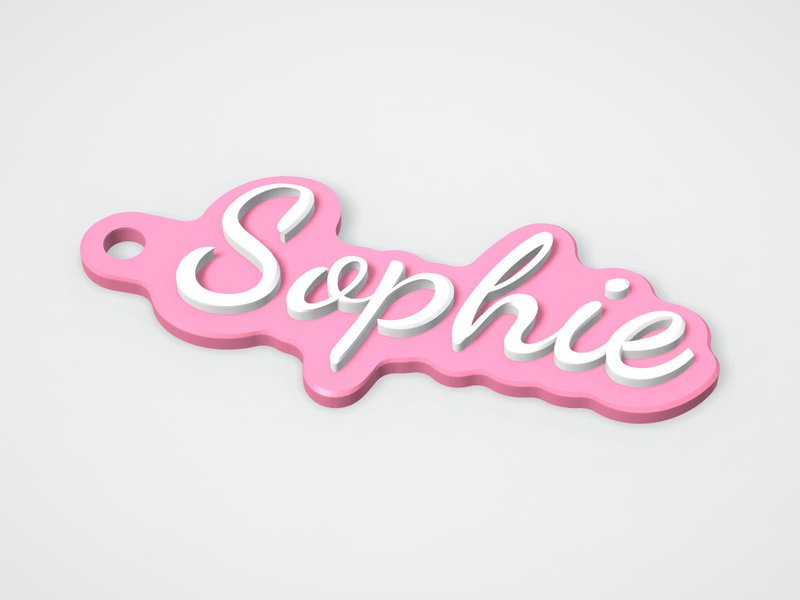
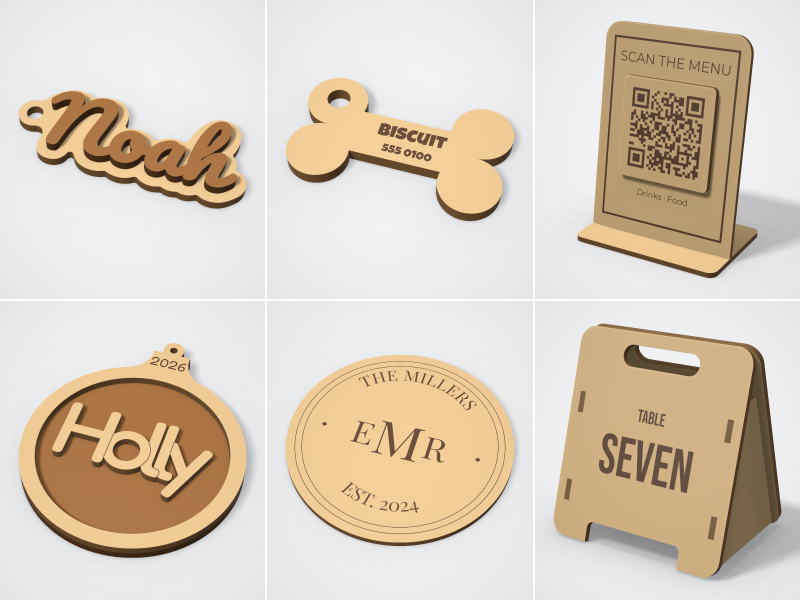
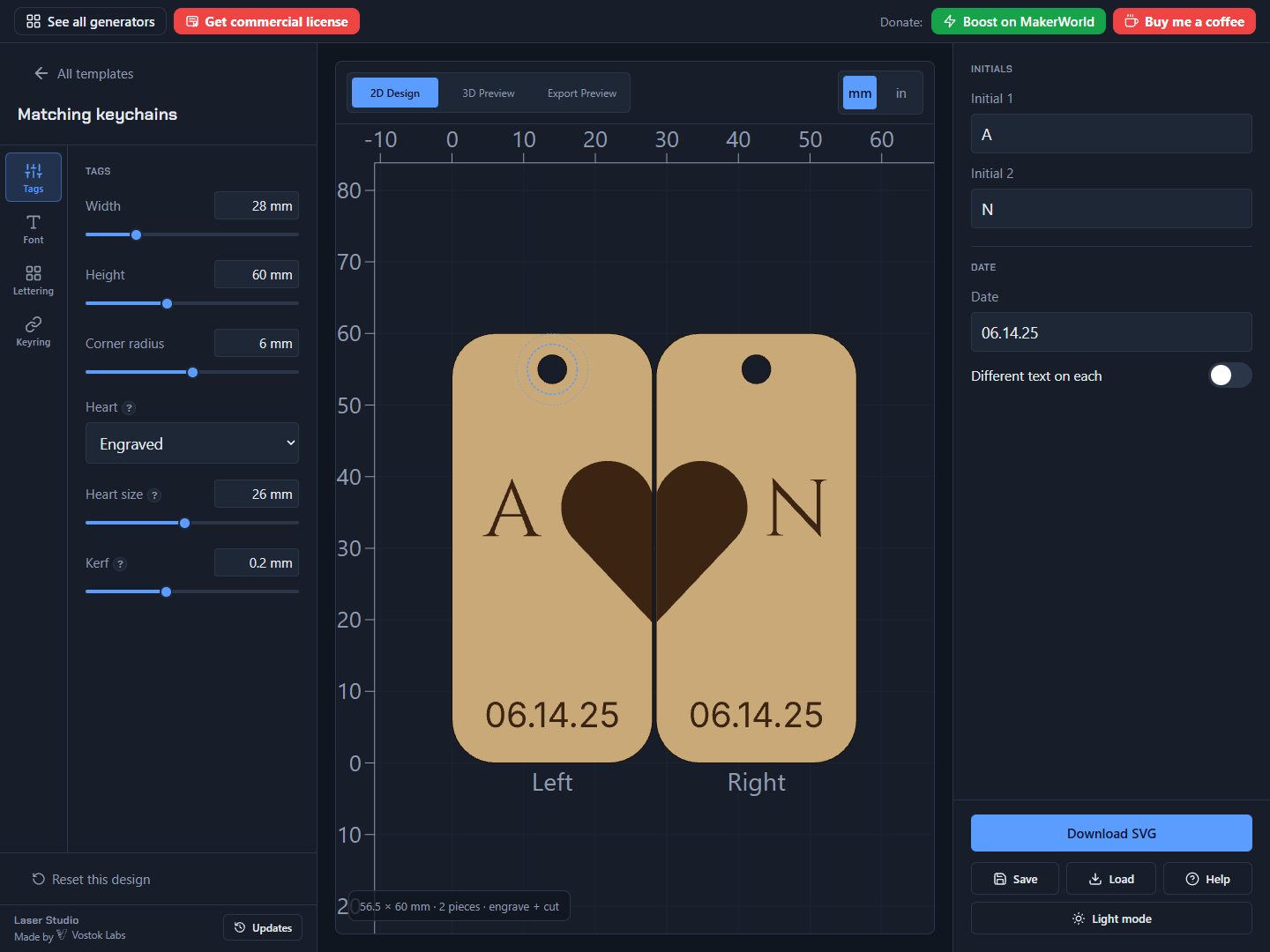
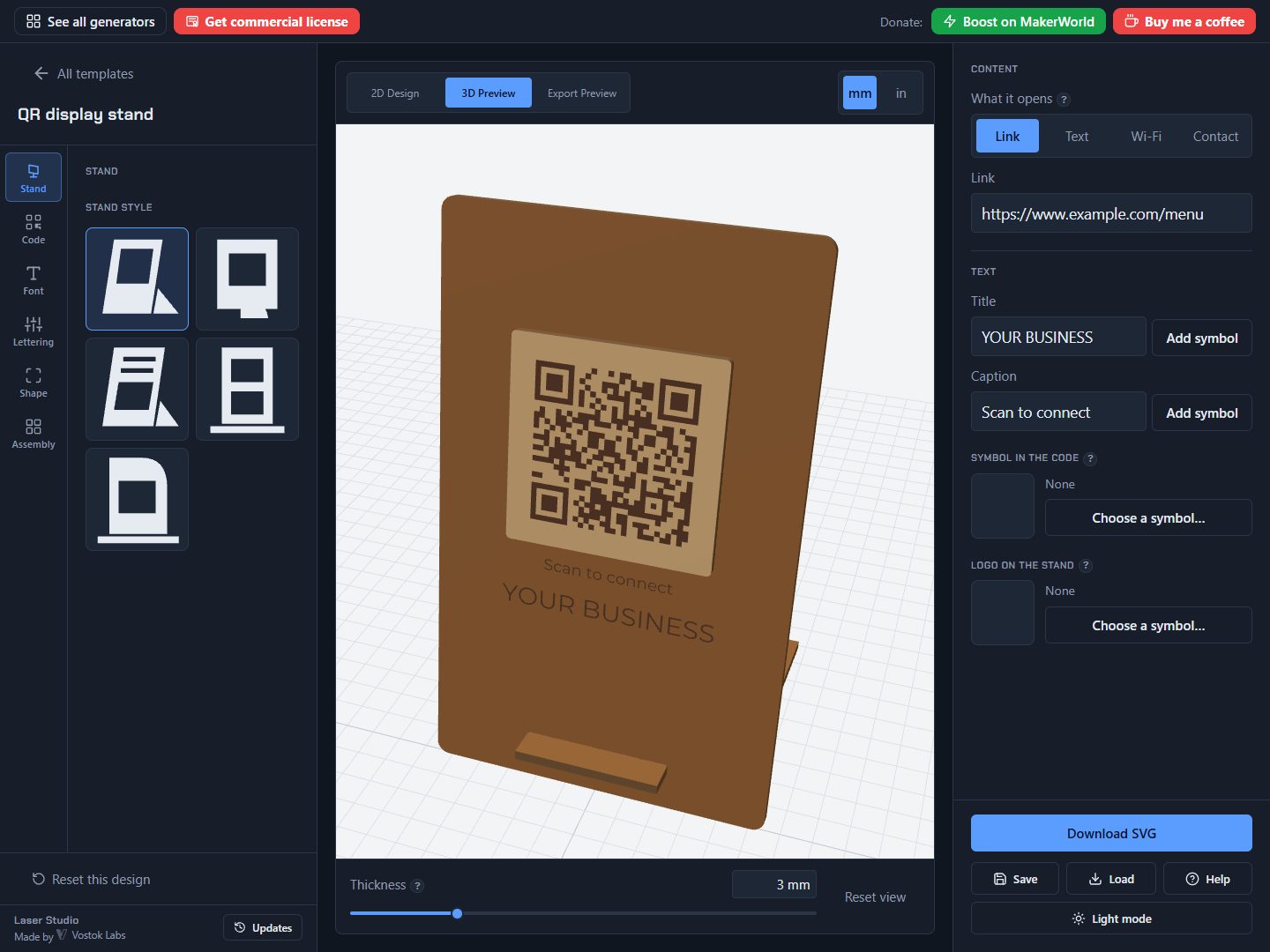
Pick a design, type your name, download the cut file. 58 laser templates (keychains, pet tags, ornaments, QR stands, coasters and signs) with 257 fonts, a symbol library and pattern fills, in millimetres for Bambu Suite or any laser software that reads SVG.
About
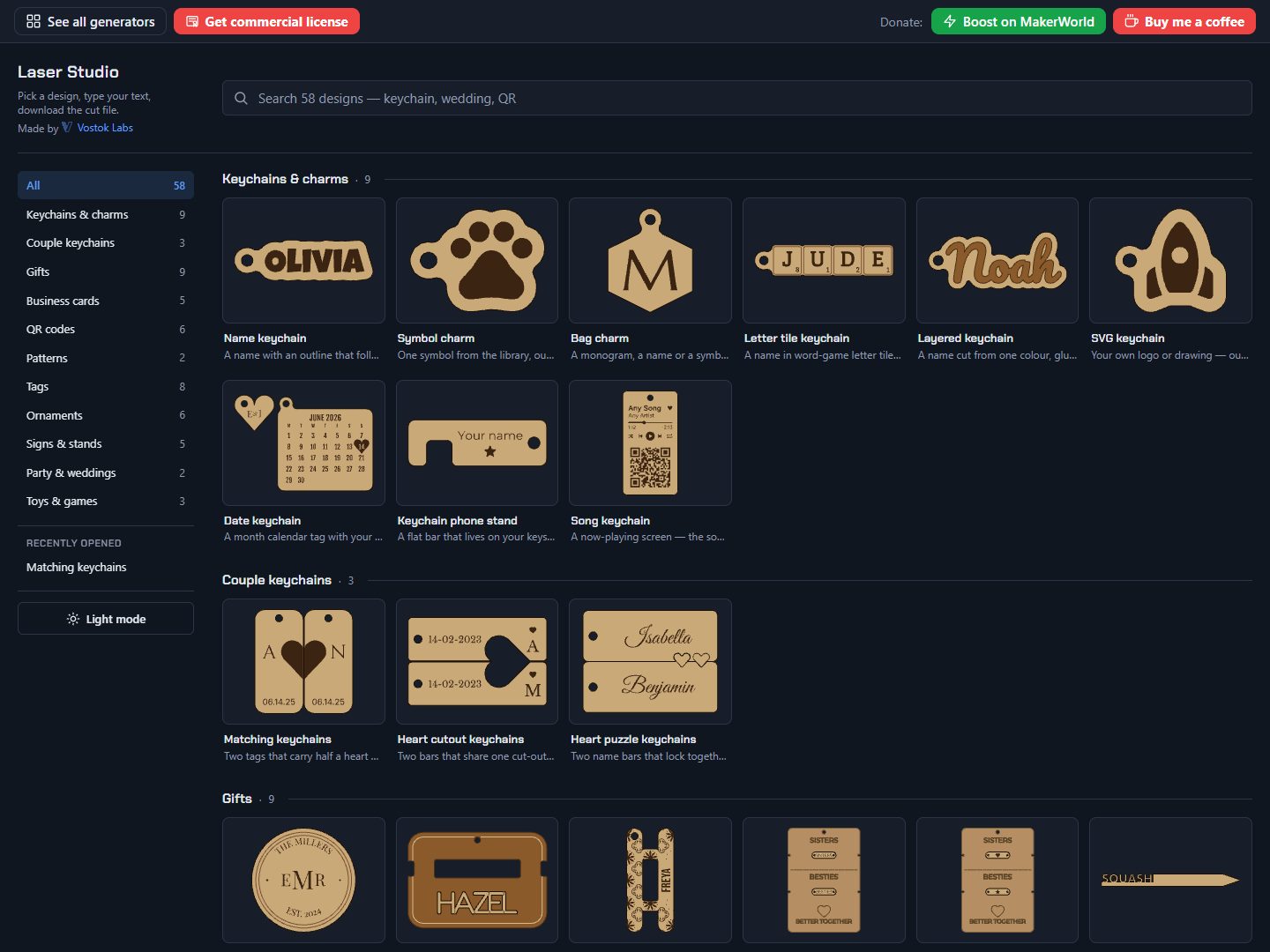
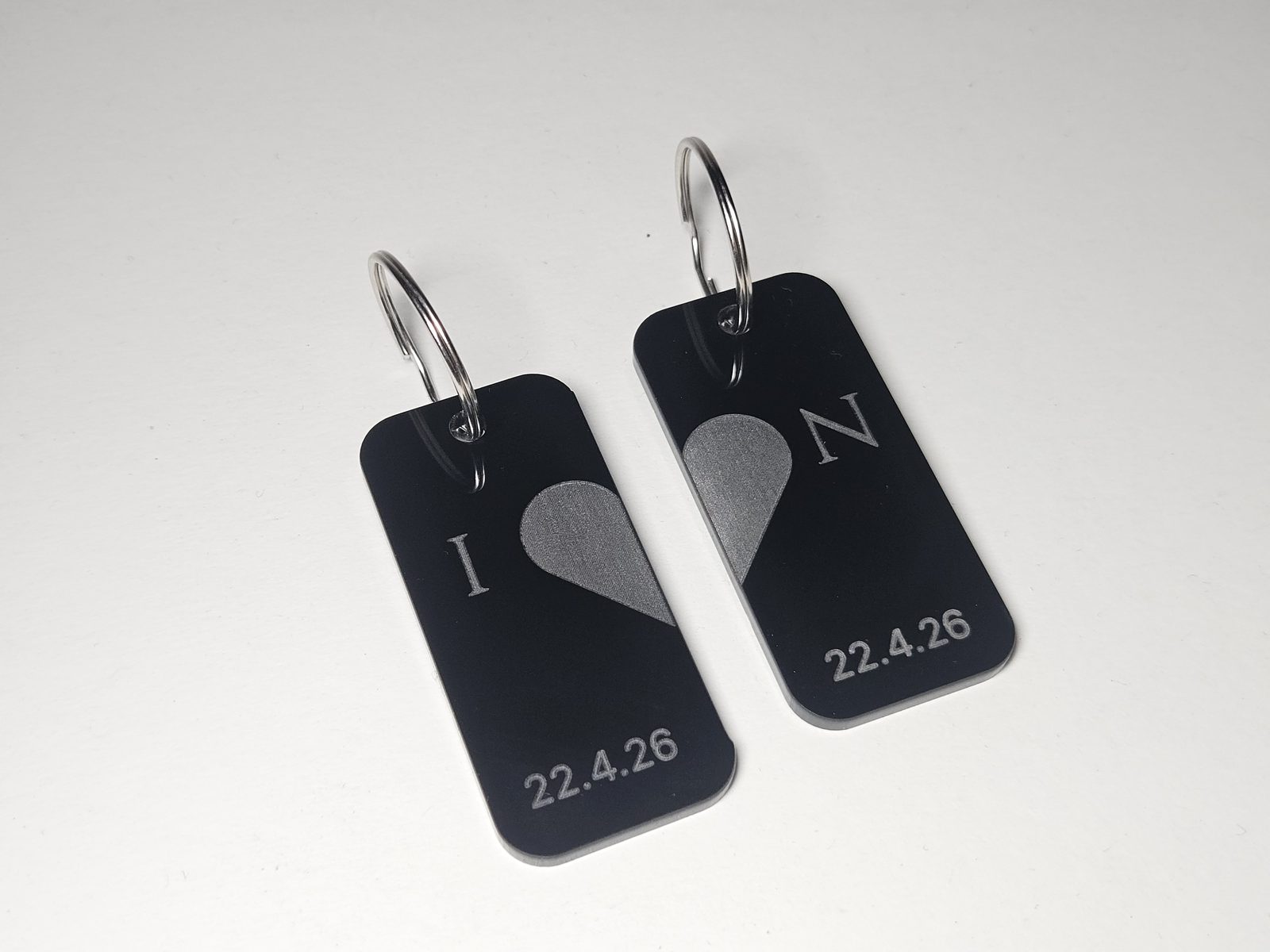
Laser Studio turns a name, a word or a symbol into a cut file for a laser cutter: pick a design, type your text and download an SVG in millimetres.
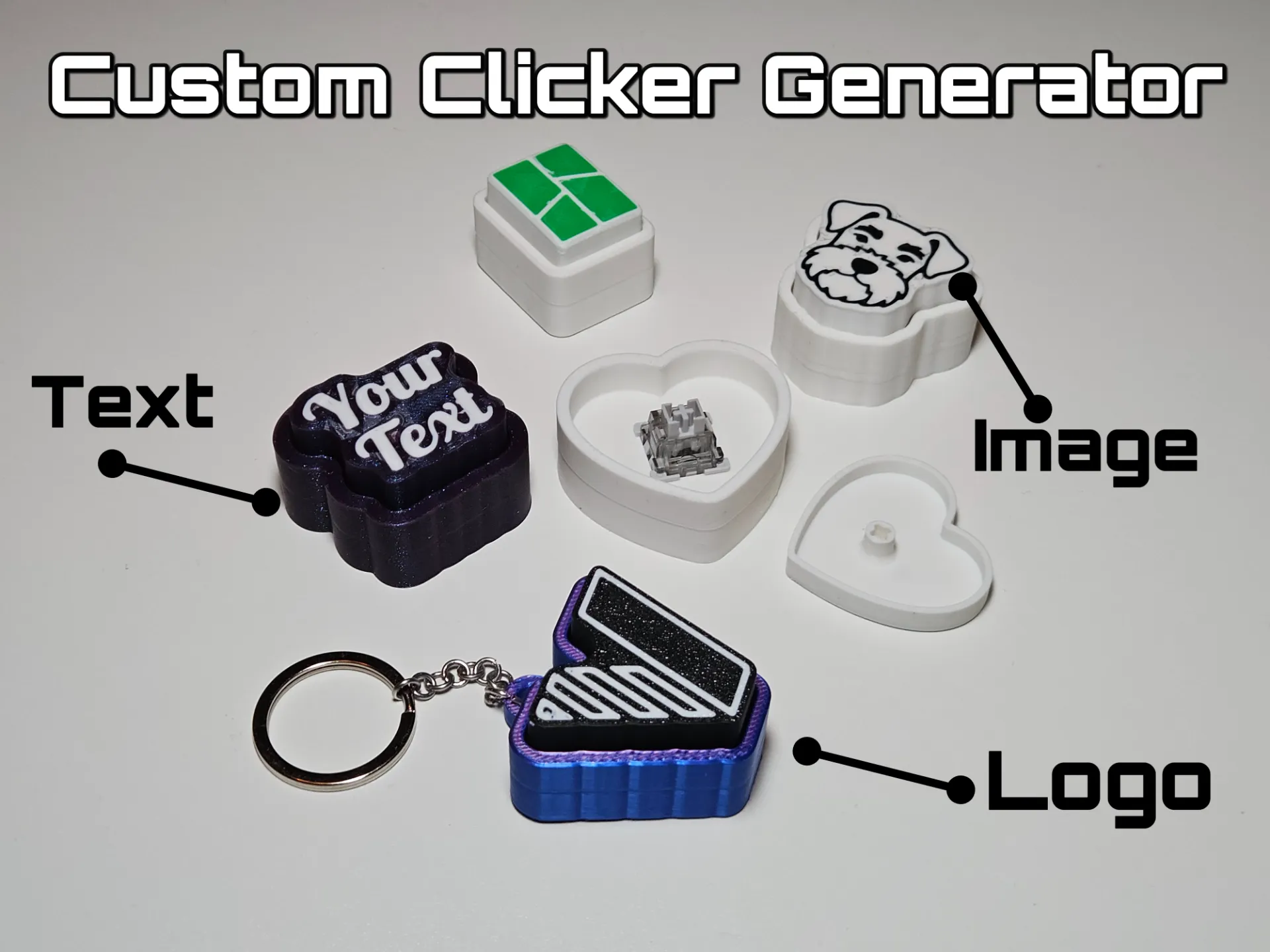
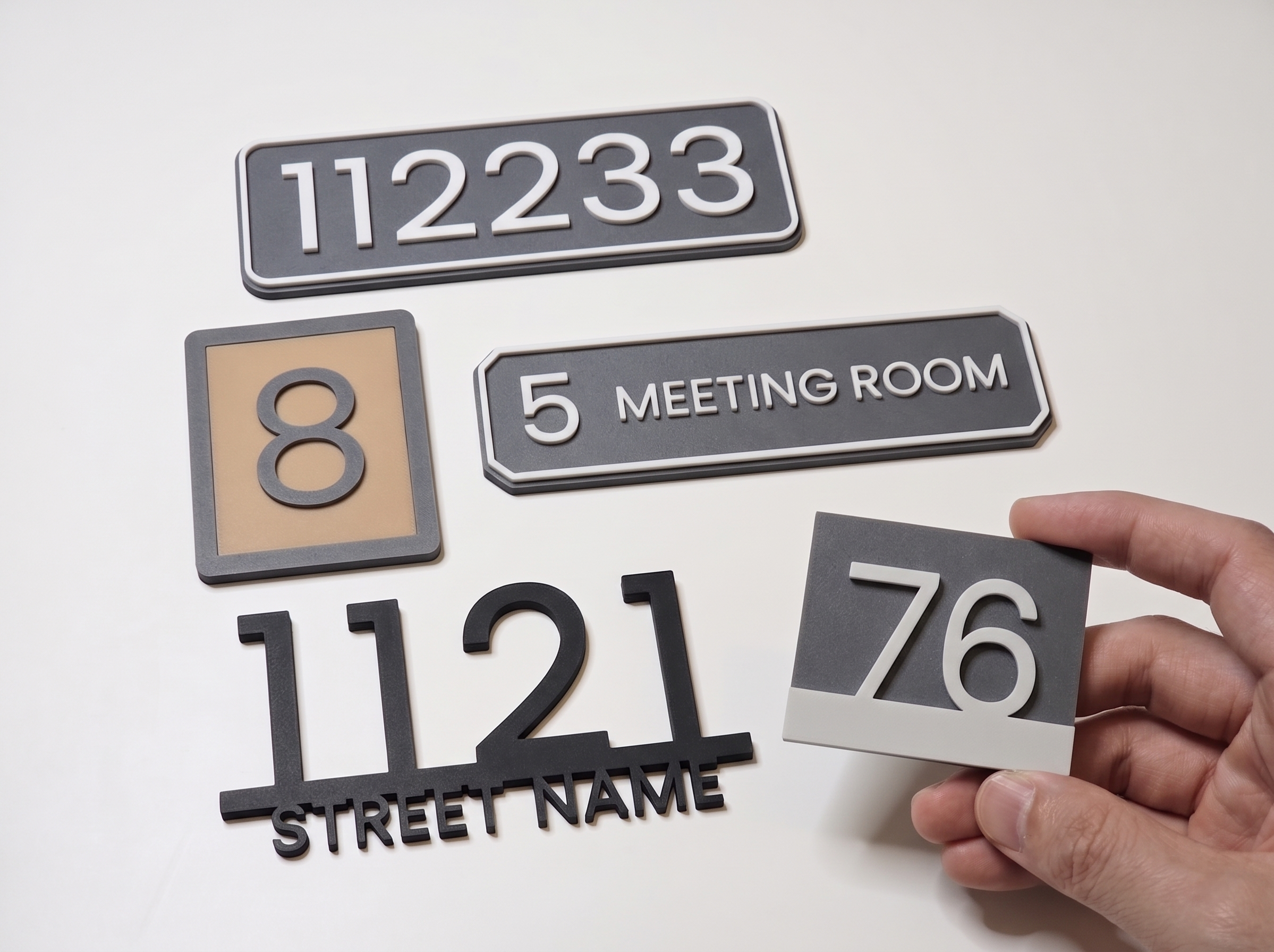
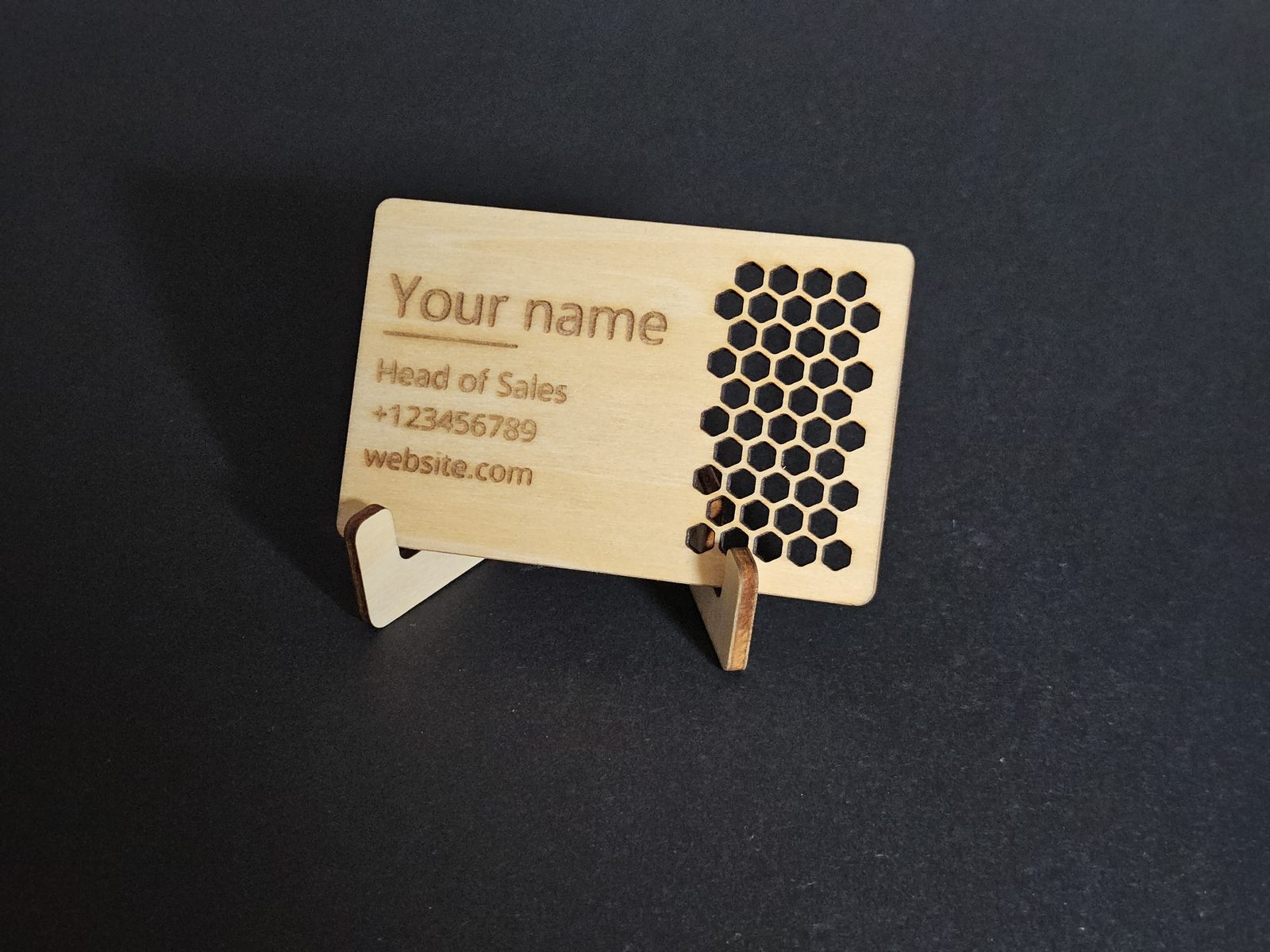
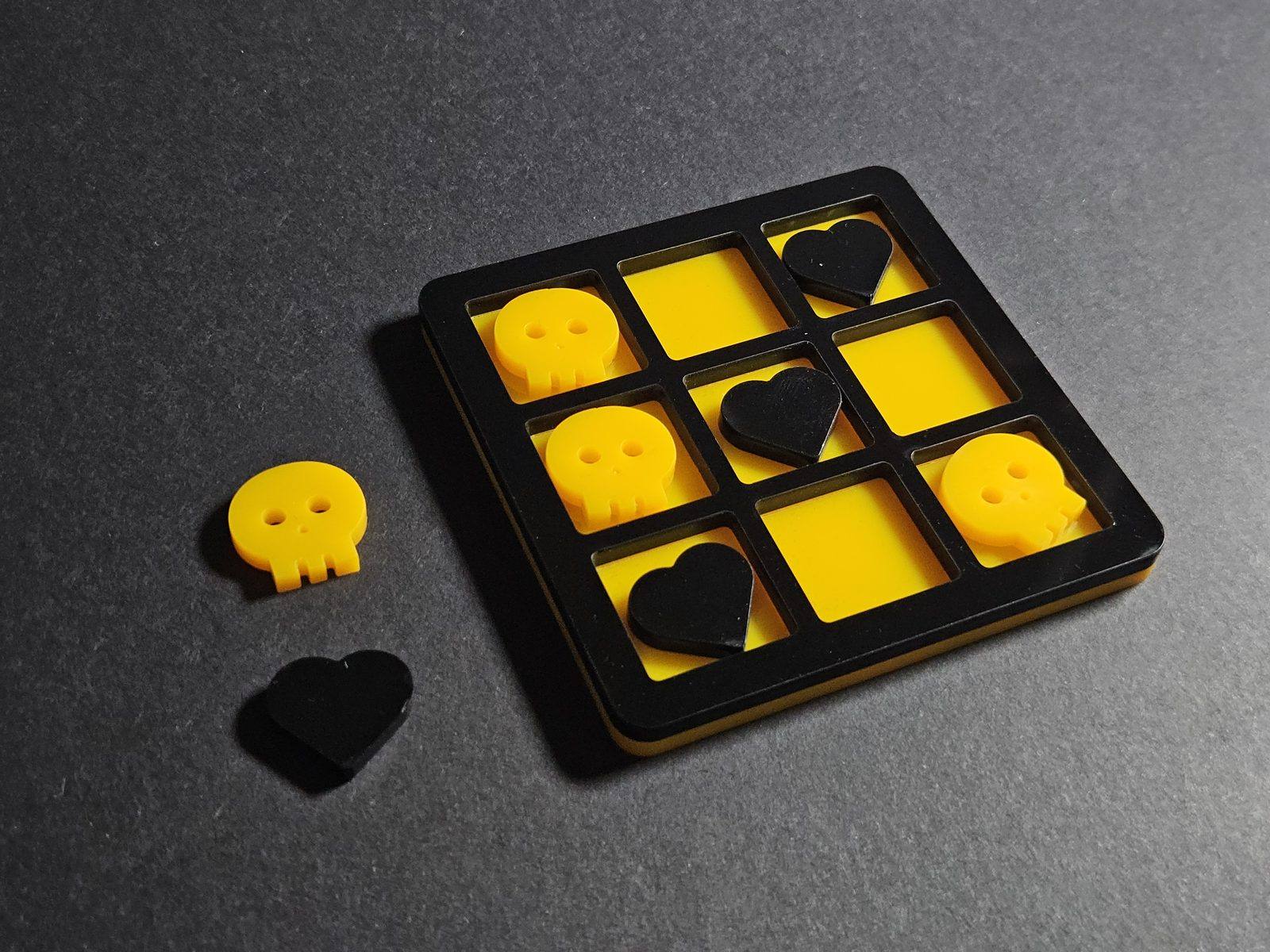
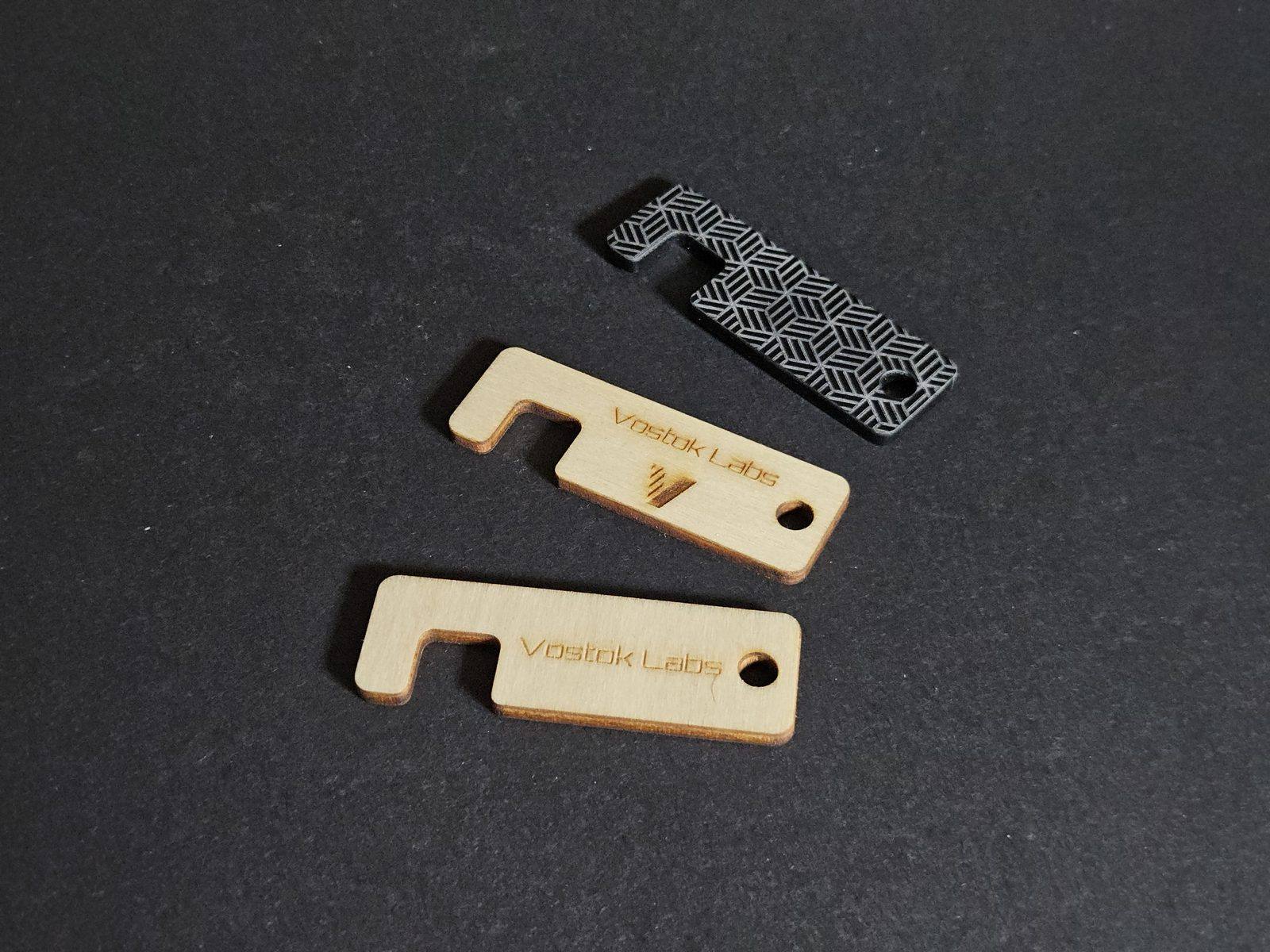
Choose from 58 templates in 11 groups: keychains, gifts, business cards, QR codes, tags, ornaments, signs and stands, party pieces, toys and games, and pattern fills. Set the text in one of 257 bundled fonts, add symbols from the library, or import your own font or SVG.
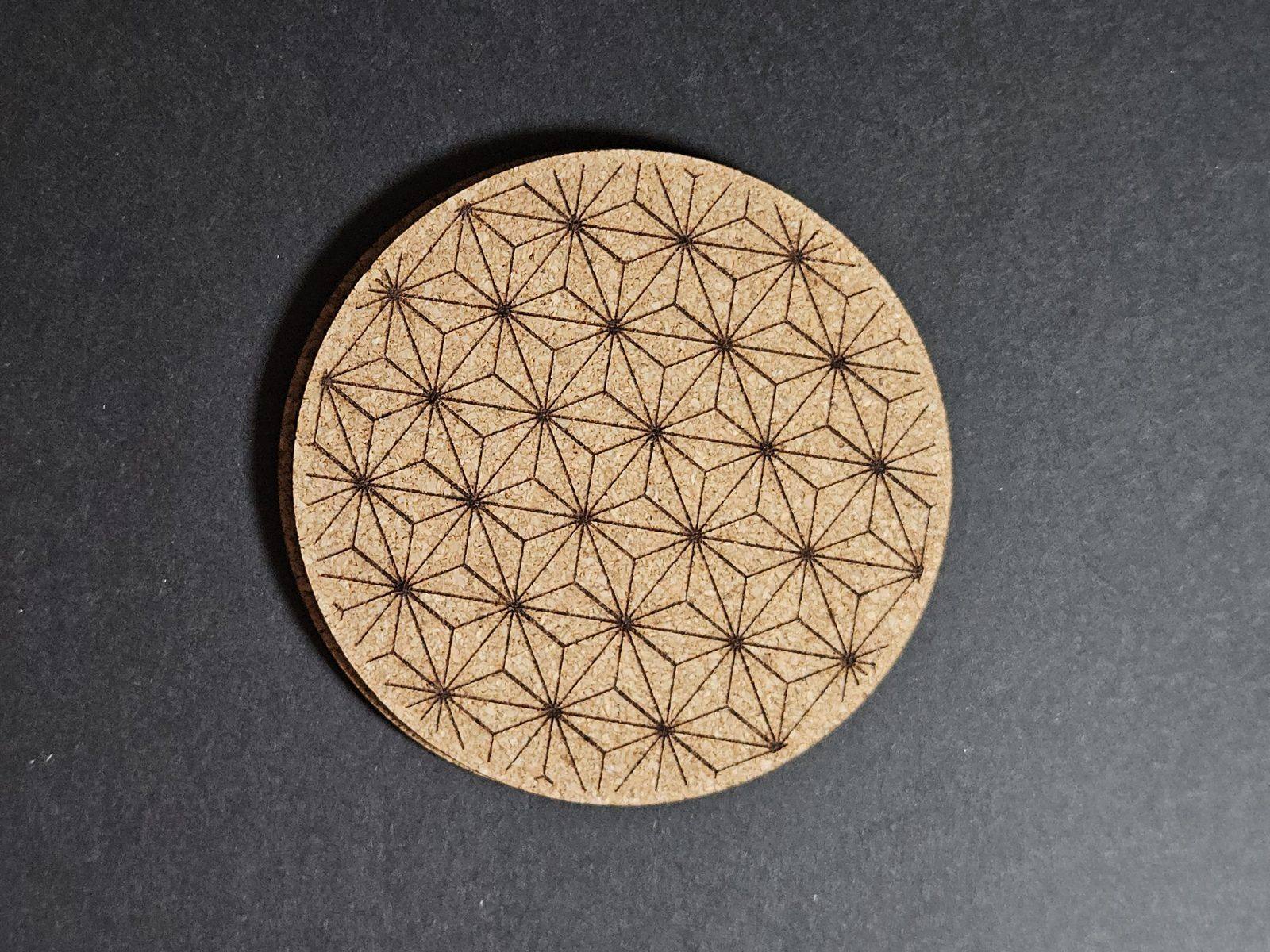
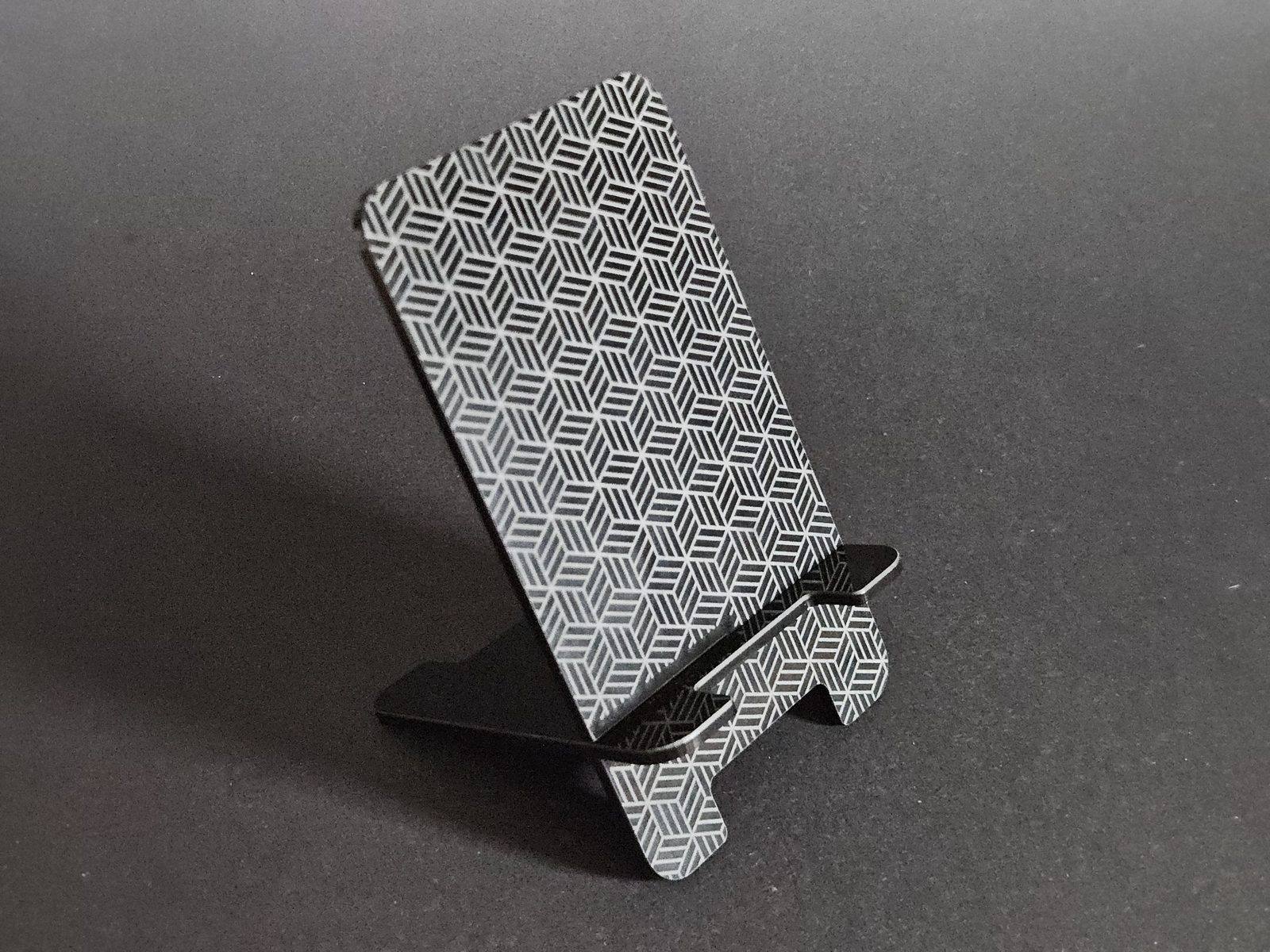
Fill shapes with a pattern from a library of 330, cut out, engraved or scored. Check the part flat, in 3D or in laser colours, and drag the keyring hole where you want it. Run a list of names across a sheet on 23 of the designs.
Download an SVG with one group per operation, ready for Bambu Suite or any laser software that reads SVG.
Features
- 58 templates
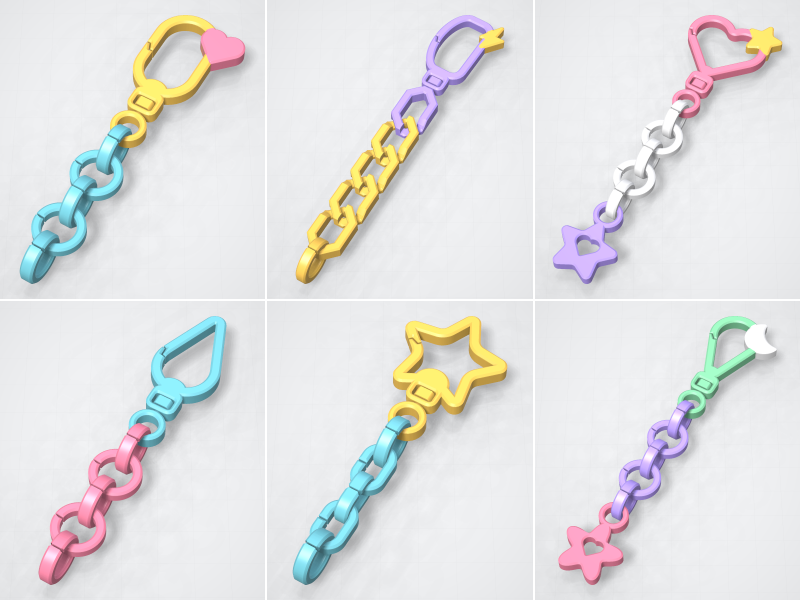
- Keychains, tags, ornaments, QR stands, business cards, signs and more, in 11 groups.
- Fonts and symbols
- 257 bundled fonts and a symbol library, plus your own font and SVG files.
- Pattern fills
- Fill a shape with one of 330 library patterns, cut out, engraved or scored.
- 2D, 3D and export views
- Check the design flat, in 3D, or in laser colours before you download.
- Names by the sheet
- Run a list of names onto A4, A3, Letter or larger sheets, on 23 designs.
- A cut file that fits
- An SVG in millimetres, one group per operation, for Bambu Suite or any SVG laser software.
Selling what you print
Personal use is free and fully functional. To sell prints you need a commercial licence: the membership covers this and every other generator.
Every export carries an invisible provenance mark. It does not show on the print and never locks a feature. What is this?
What’s new
- 2026-10Keychain bases for the keychain templates.