Image to Clicker
Turn any image, logo, or custom text into a clicker fidget.
About
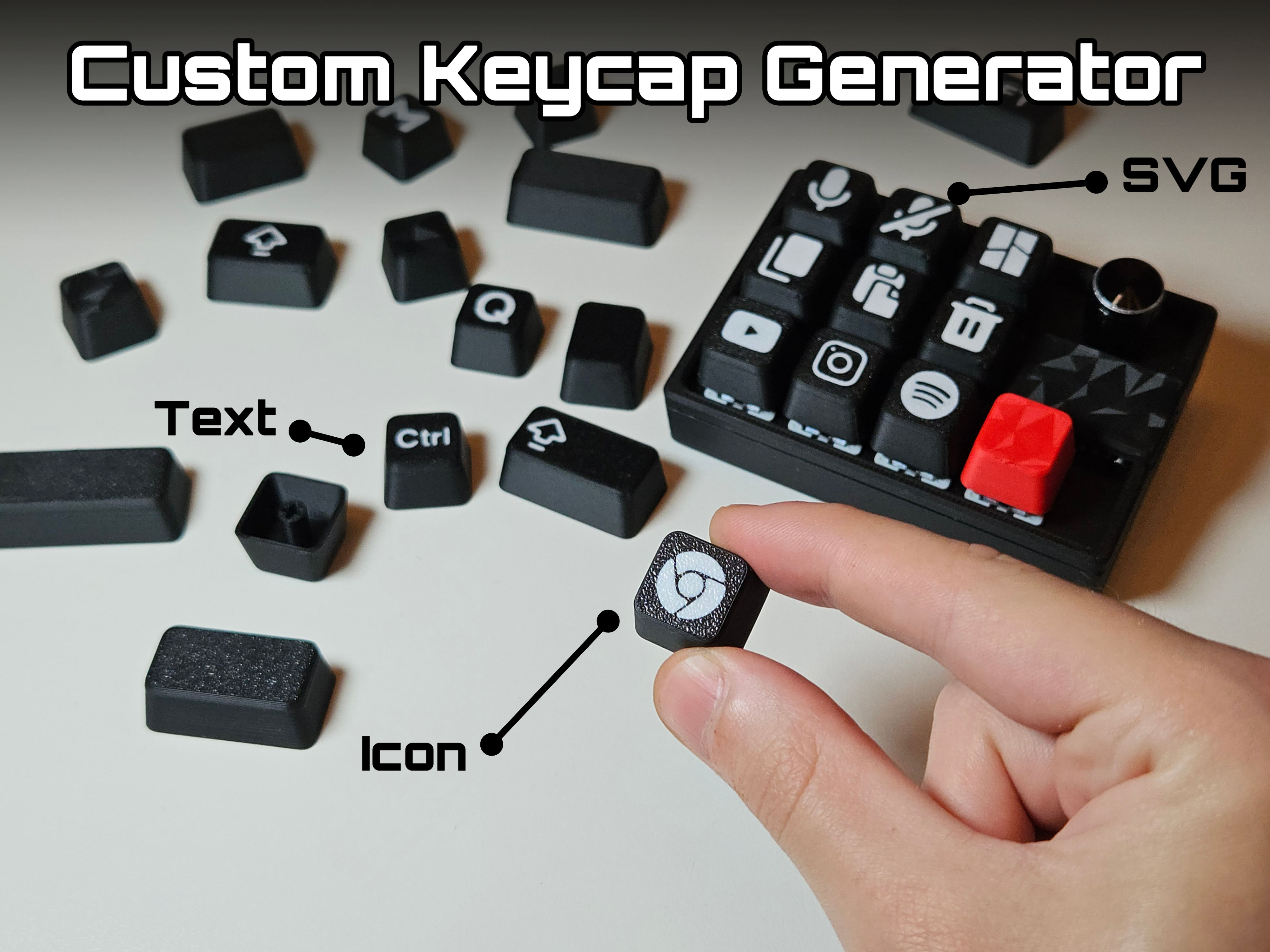
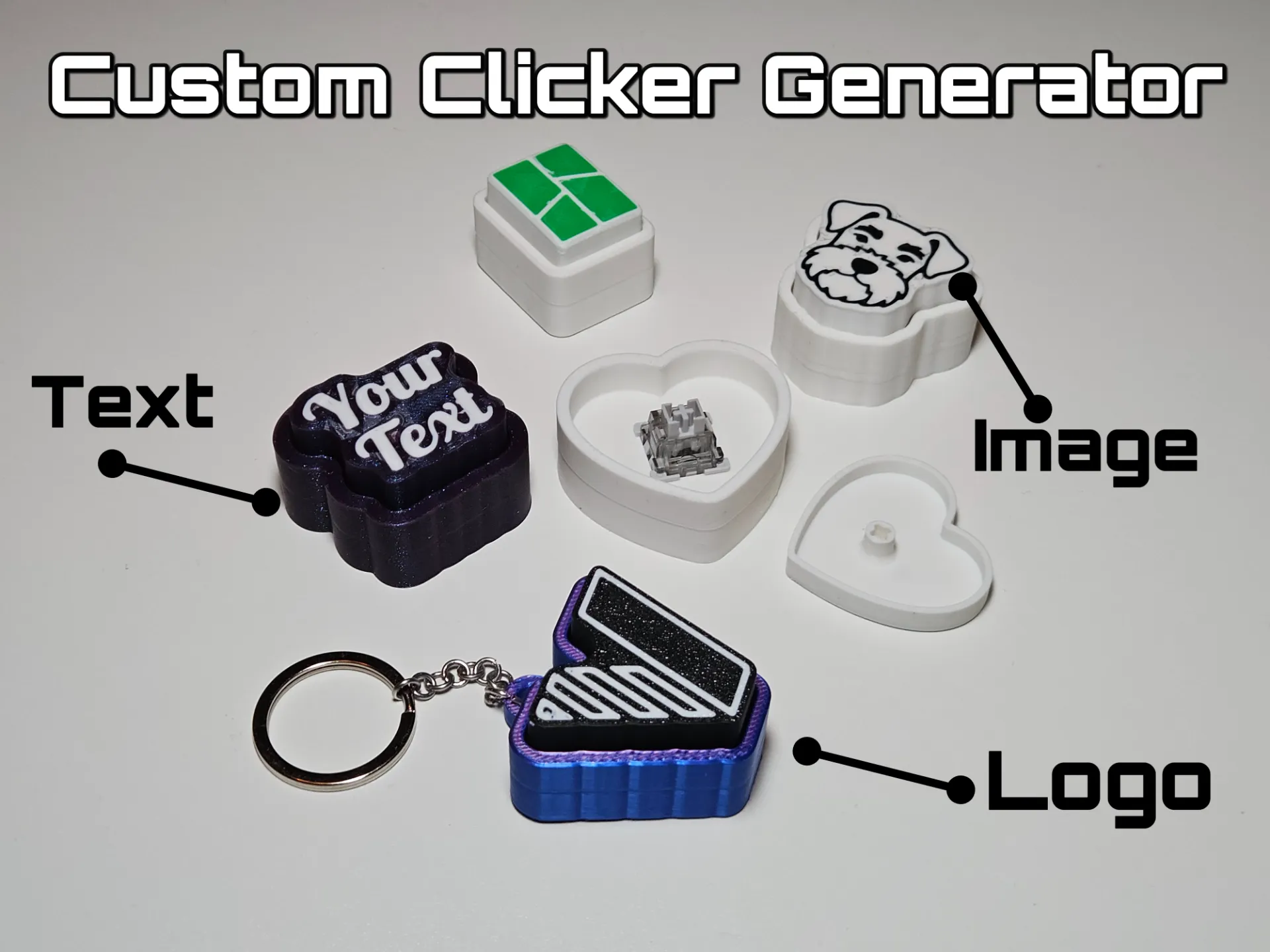
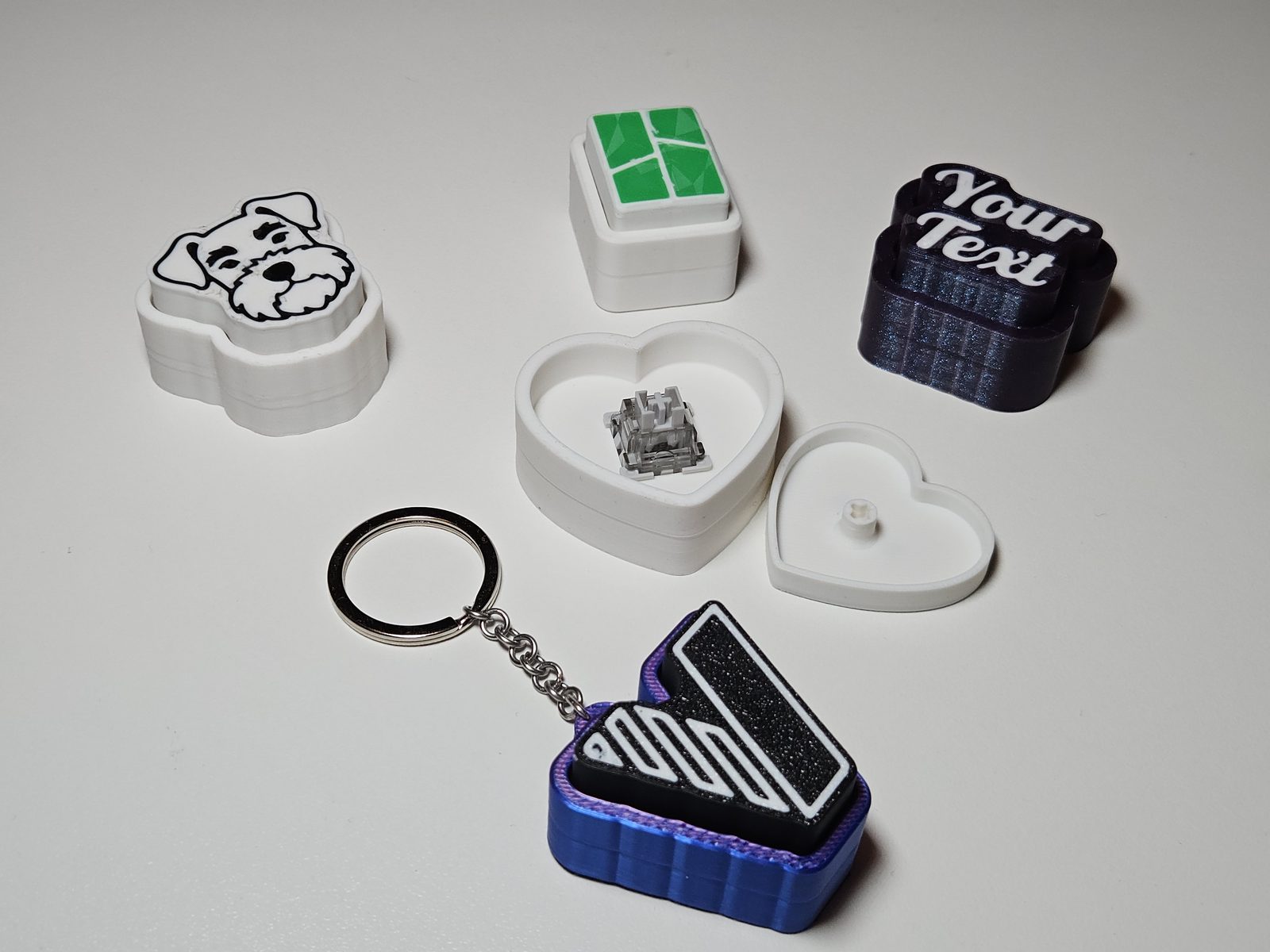
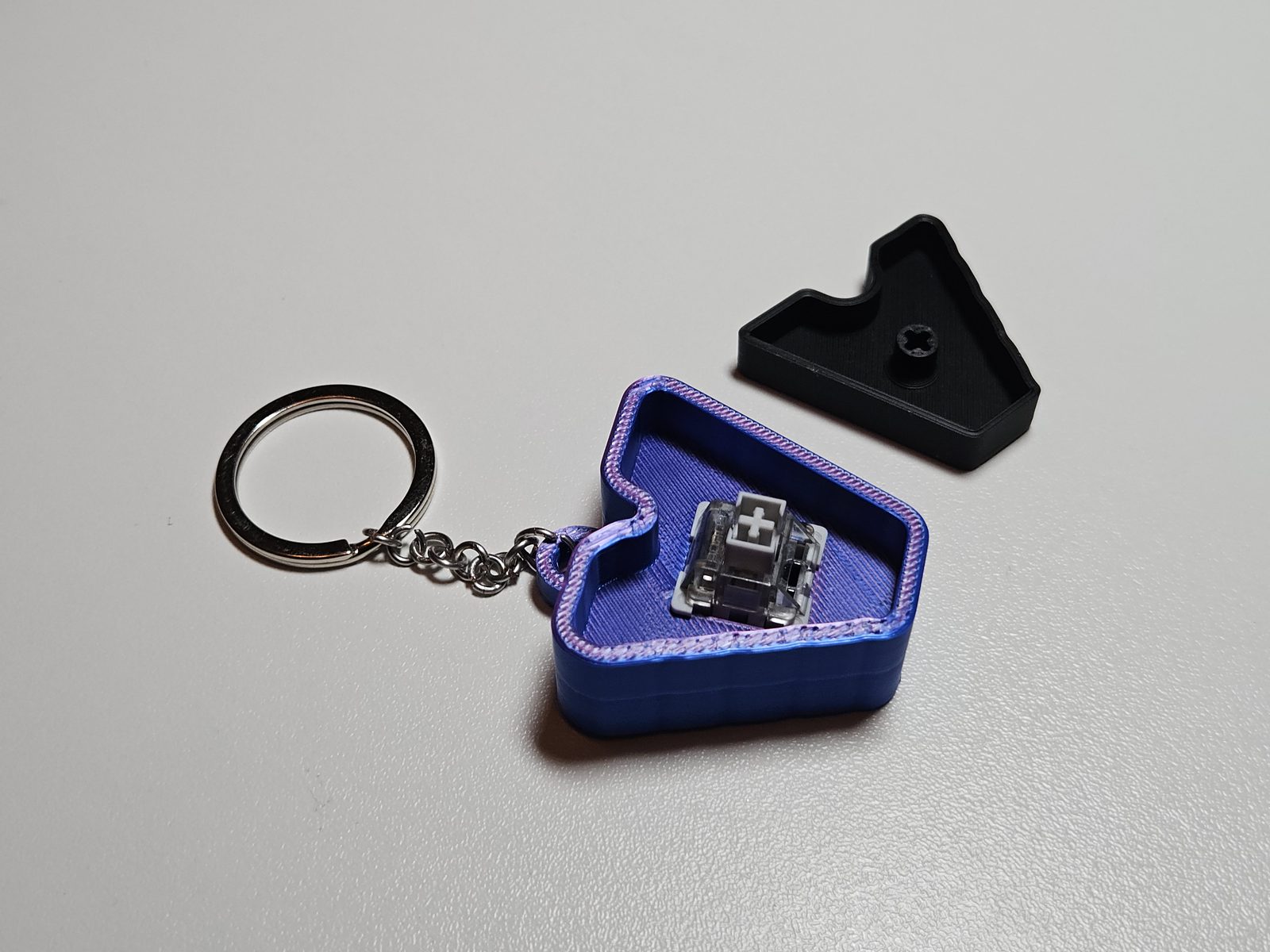
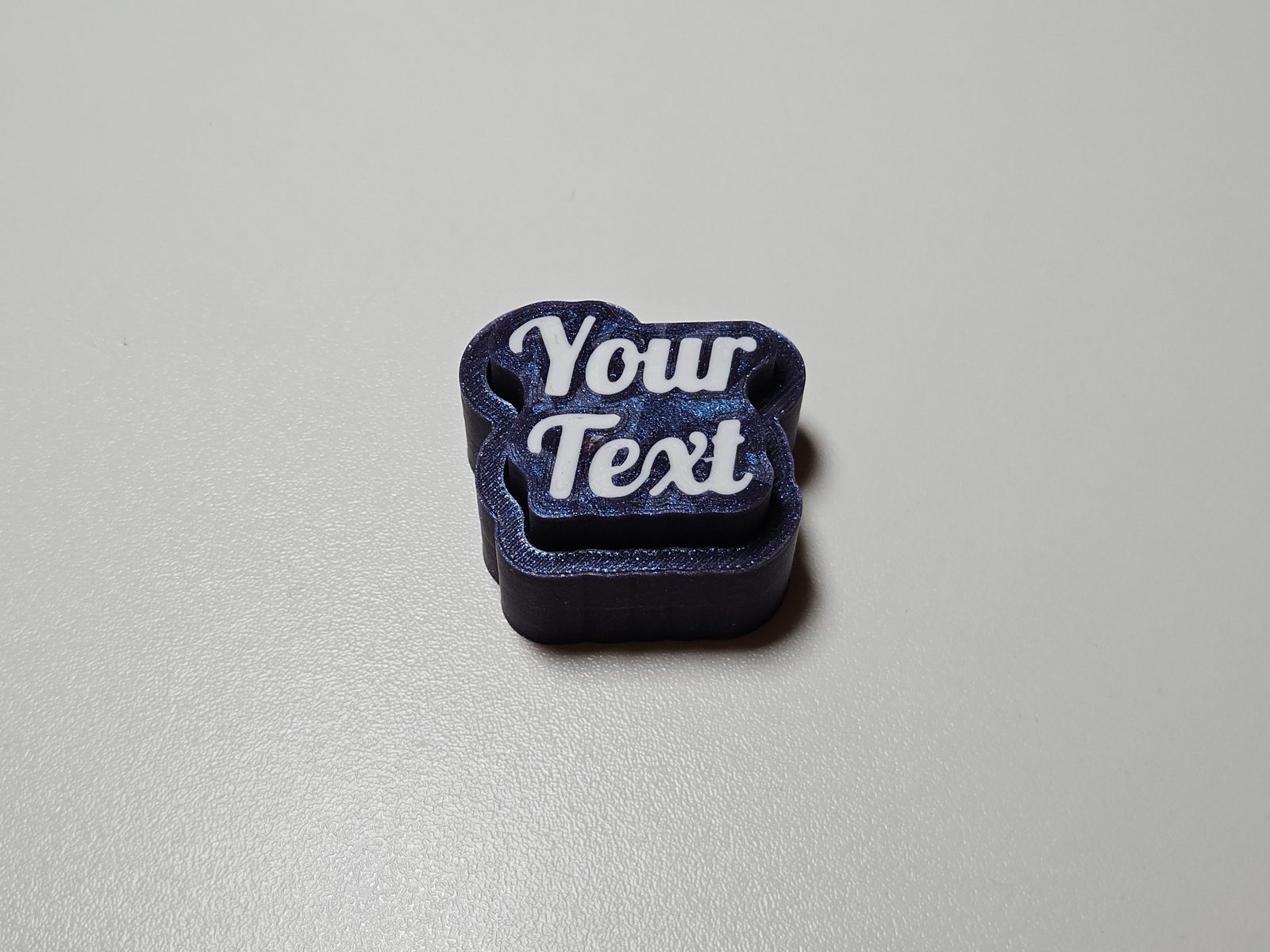
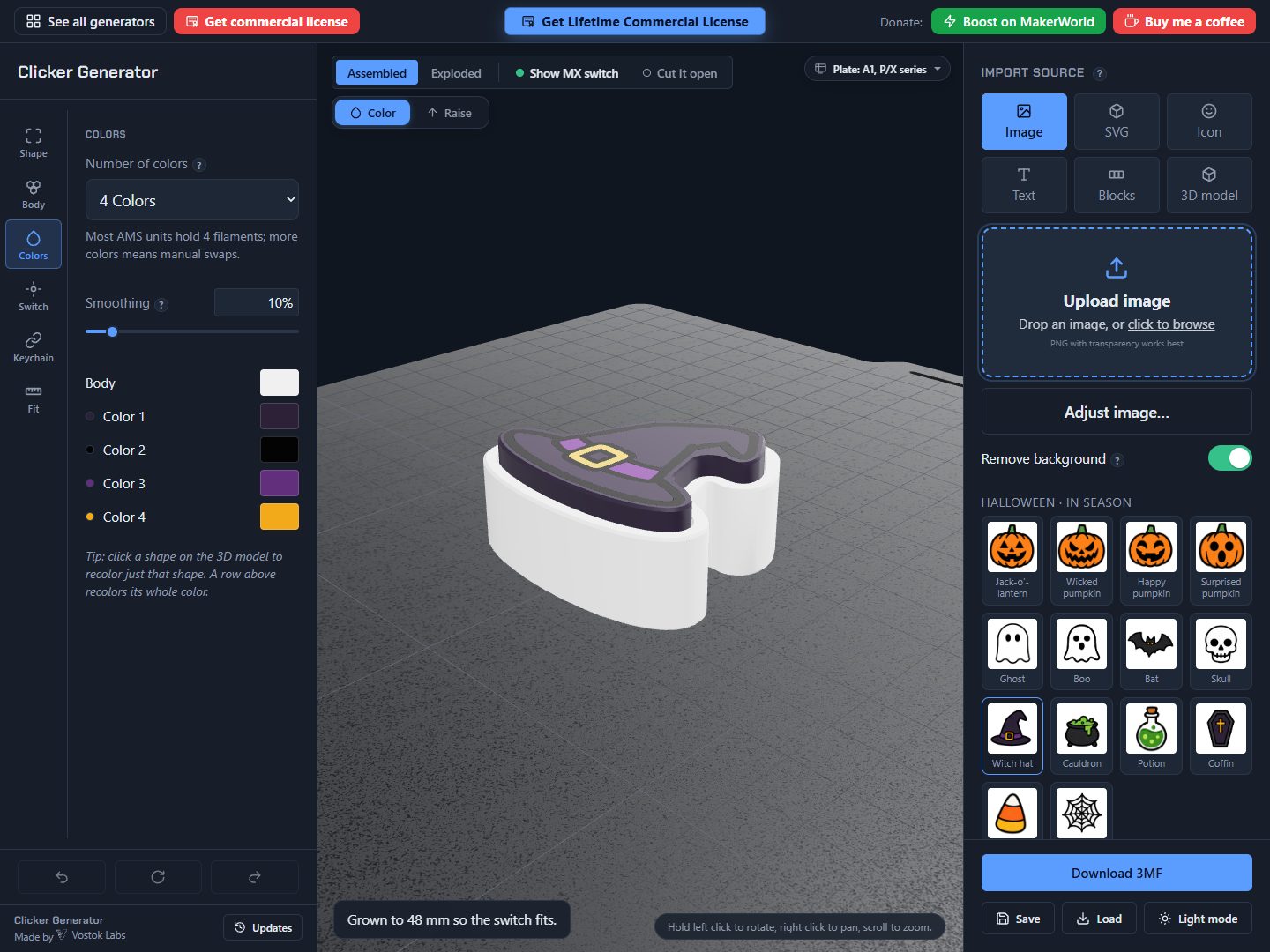
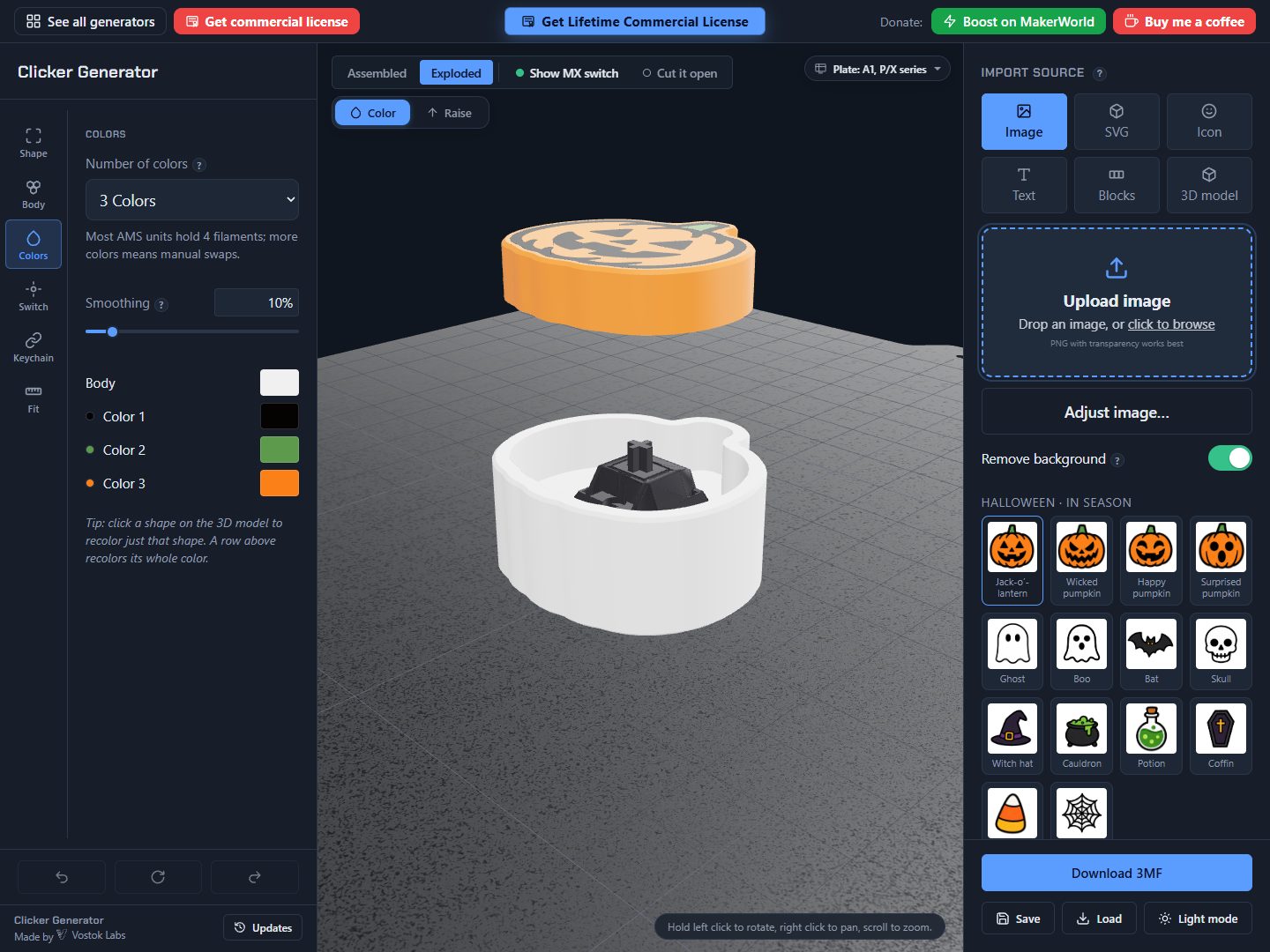
Clicker Generator turns any image, icon, word or 3D model into a satisfying, print-ready clicker: a multicolor 3D-printed cap and body built around a Cherry MX mechanical keyboard switch.
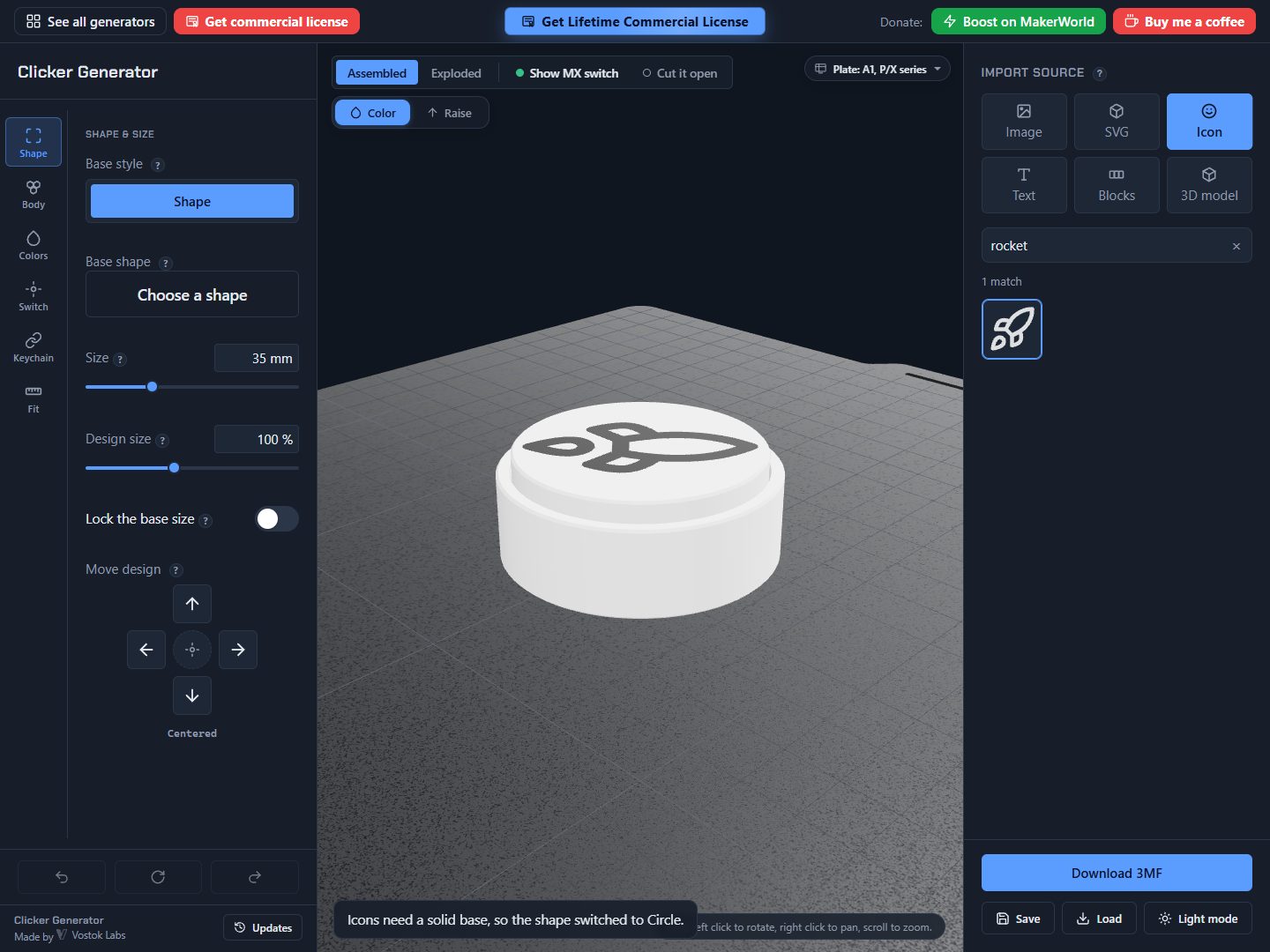
Drop in a PNG, pick from 1,700+ built-in vector icons, import your own SVG, or type a word in one of 257 bundled fonts, plus 1,500+ symbols. Or load an STL, 3MF or OBJ and cut it into a clicker: split it in two, cut a button into its top, or stand it on a plate.
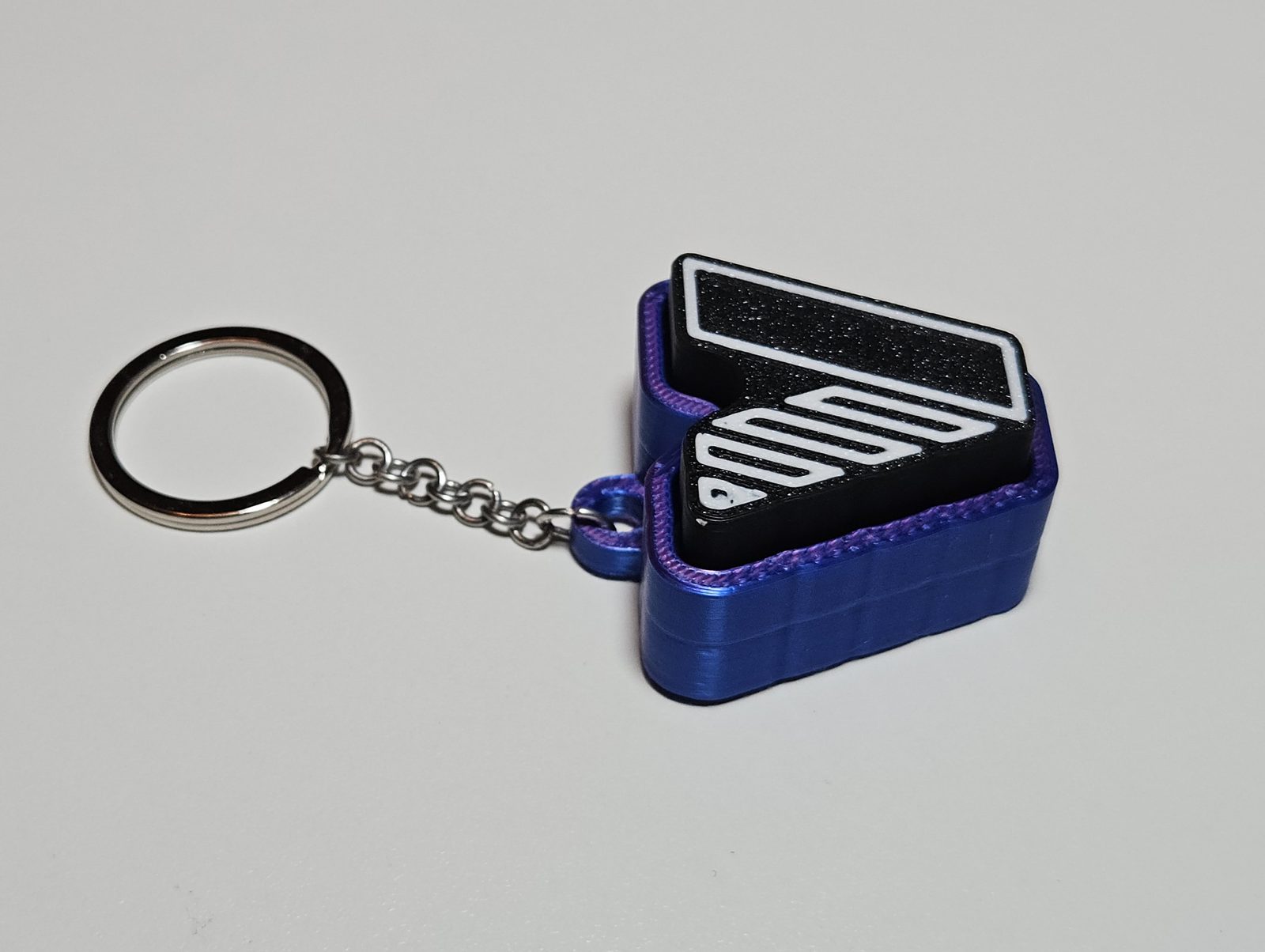
Paint each color region a different filament, raise parts of the design and chamfer their edges, swap the base shape, spell a word as snap-together letter blocks, add a keychain loop, and print a fit test for the switch pocket and stem.
Export a 3MF with the multicolor data already baked in, and open it straight in Bambu Studio.
Features
- Cut out of 3D model
- Load an STL, 3MF or OBJ and make it click: split in two, a button in the top, or on a stand.
- Image, icon or text
- Trace a picture into color regions, search 1,700+ icons, drop in an SVG or type a word.
- Symbols and fonts
- A library of 1,500+ symbols and 257 fonts, plus your own SVG and font files.
- Letter blocks
- Spell a word as snap-together keys in a row, grid, WASD or arrow layout, with five wall textures.
- Shapes and keychain loop
- Thirteen base shapes with their own knobs, and a loop you can slide anywhere round the edge.
- Printable fit test
- Dial the switch pocket and stem fit in millimetres on a short test piece first.
Selling what you print
Personal use is free and fully functional. To sell prints you need a commercial licence: the membership covers this and every other generator. A lifetime licence for Image to Clicker covers this one forever, digital files included.
Every export carries an invisible provenance mark. It does not show on the print and never locks a feature. What is this?
What’s new
- 2026-10Symbols and more fonts for text caps.